Contacts can be added one by one, contacts can be pasted into a form or a file with contacts (Excel, CSV or text) can be uploaded on the "Add/Import Contacts" page in your account.
Step by step instructions to export data from Outlook, Outlook Express, Yahoo, etc. to a CSV file you can upload to your account are included.
To store contacts data, an unlimited number of fields and groups can be created.
Step by step instructions to export data from Outlook, Outlook Express, Yahoo, etc. to a CSV file you can upload to your account are included.
To store contacts data, an unlimited number of fields and groups can be created.
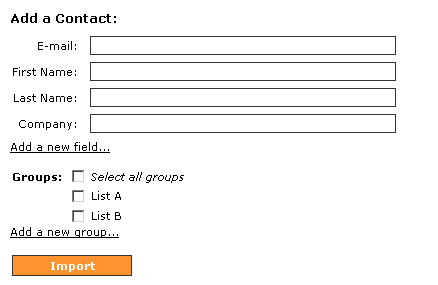
Screen Shot: adding one contact at a time
Screen Shot: uploading a file with contacts
