
- Create & Send
Great Emails - Powerful Reporting
& Archiving - Manage your lists
and contacts - Collects contacts through your website
- Recommend us
& Earn Commission - Account Management & Infrastructure
Create & Send Great Emails
Powerful Reporting & Archiving
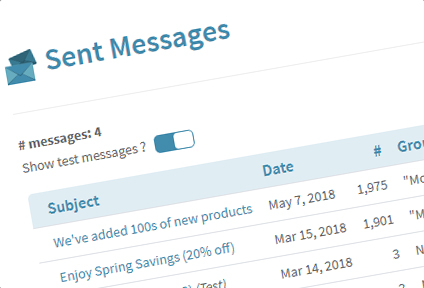
Newsletter archives
We keep track of anything you send. Watch your e-mailing efforts evolve over time
Public archives
Extend the life of your e-mails by adding an e-mail archive to your site
RSS feeds
Set up your e-mails as RSS feeds for those who prefer RSS to e-mail updates
Open Tracking
How many people viewed your e-mail and when
Click Tracking
How many people clicked on which links
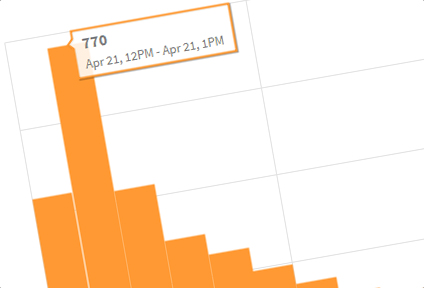
Interactive Graphs
See at a glance how well your e-mail performed
Advanced Reporting with activity per contact
Download lists of which contacts opened, did not open or clicked for more targeted follow-up e-mails
Email Programs Usage
Don't guess the answers to questions like "How many of my e-mails are being read from an iPhone?"
Google Analytics Integration
Check sales & conversions from your e-mails in Google Analytics
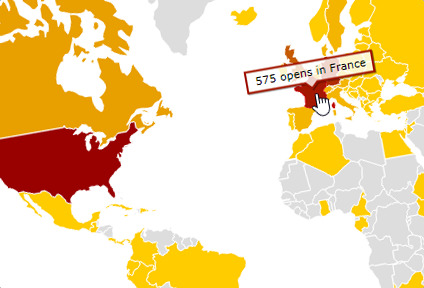
Geo-reporting
Where are your e-mails viewed from? Get an instant overview on a world map or check country by country
Bounceback Reports
How many e-mails could not be delivered and why
Forward to a Friend Reports
How many and which contacts forwarded your e-mail
Export as a PDF or an image
Export to a PDF to effortlessly print and re-use as a flyer in your shop
API automation
Pull in reporting data from your own website or application